# 网络带宽性能分析工具iPerf3
# 1 iPerf3介绍
iPerf3是一个支持TCP、UDP、SCTP网络的带宽测量工具。
# 2 iPerf3下载、安装
# 两种方式:
# 下载github源码
git clone
https://github.com/esnet/iperf.git -b 3.12

# 或者直接下载源码包
wget https://downloads.es.net/pub/iperf/iperf-3.0.1.tar.gz

# 编译
./configure; make; make install
1
2
3
4
5
6
7
8
9
10
2
3
4
5
6
7
8
9
10
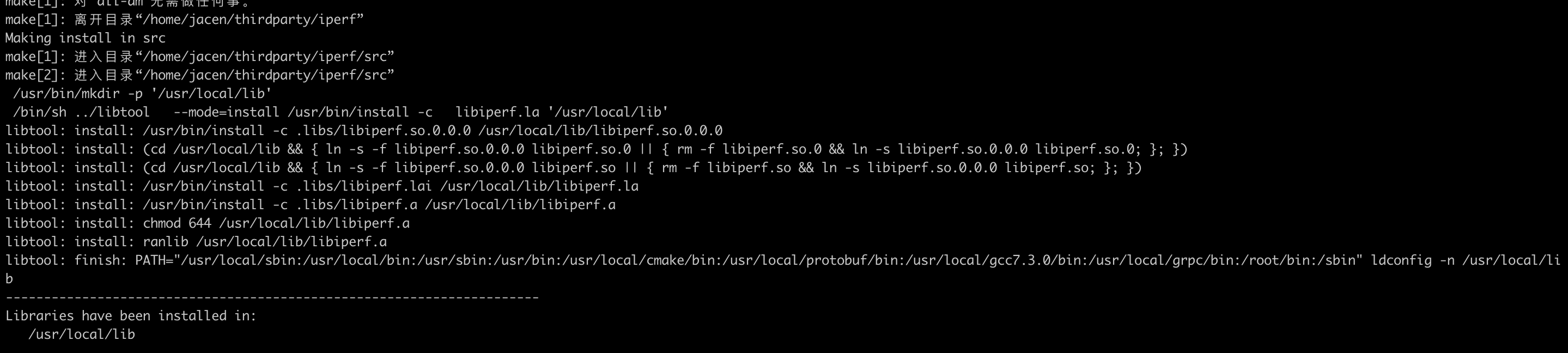
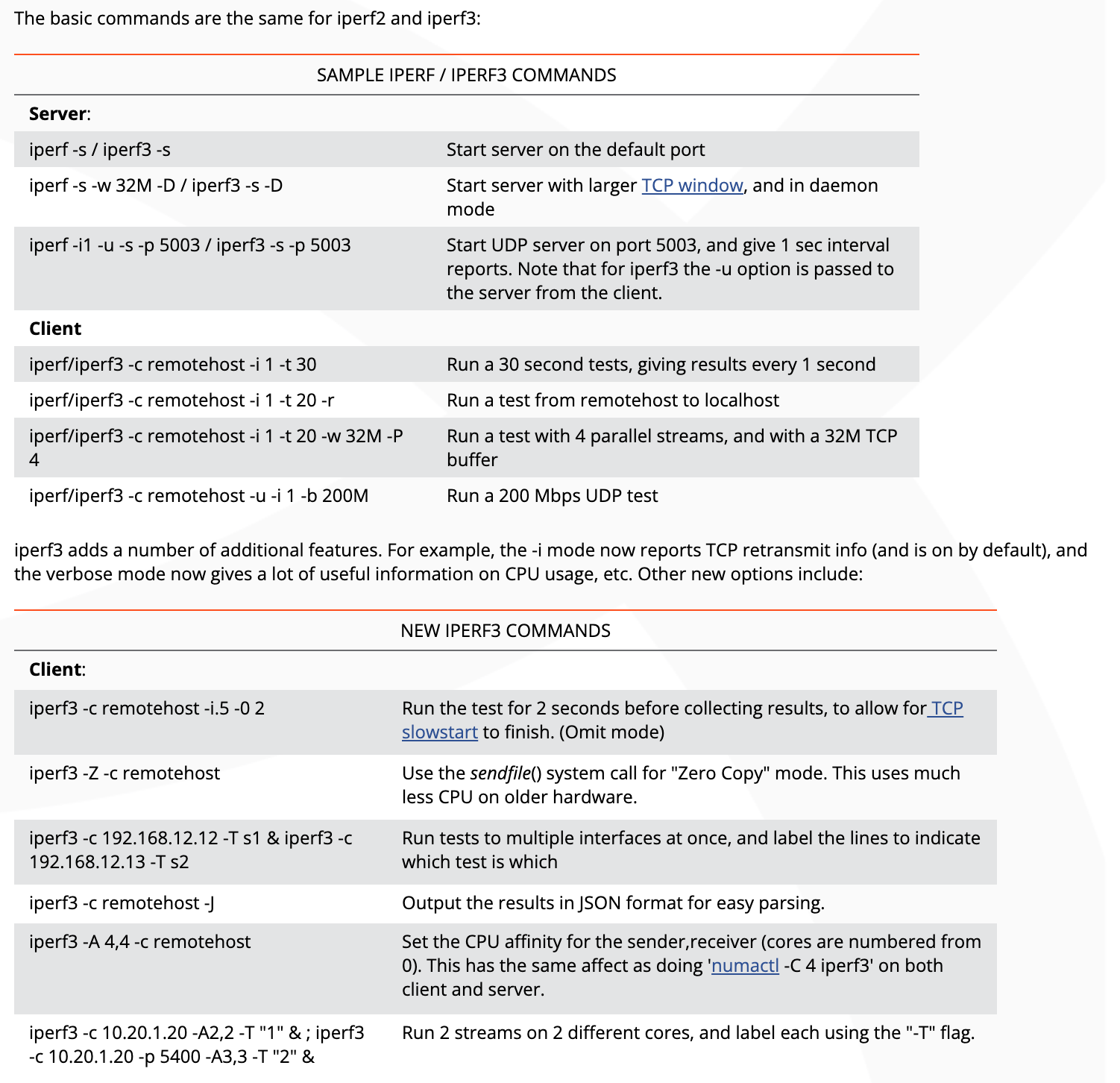
# 3 iPerf3使用指导
# 4 实践
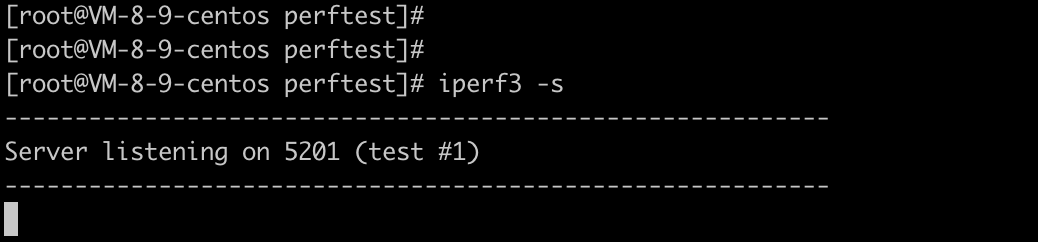
在云服务器上启动iperf3的server端:
iperf -s
1
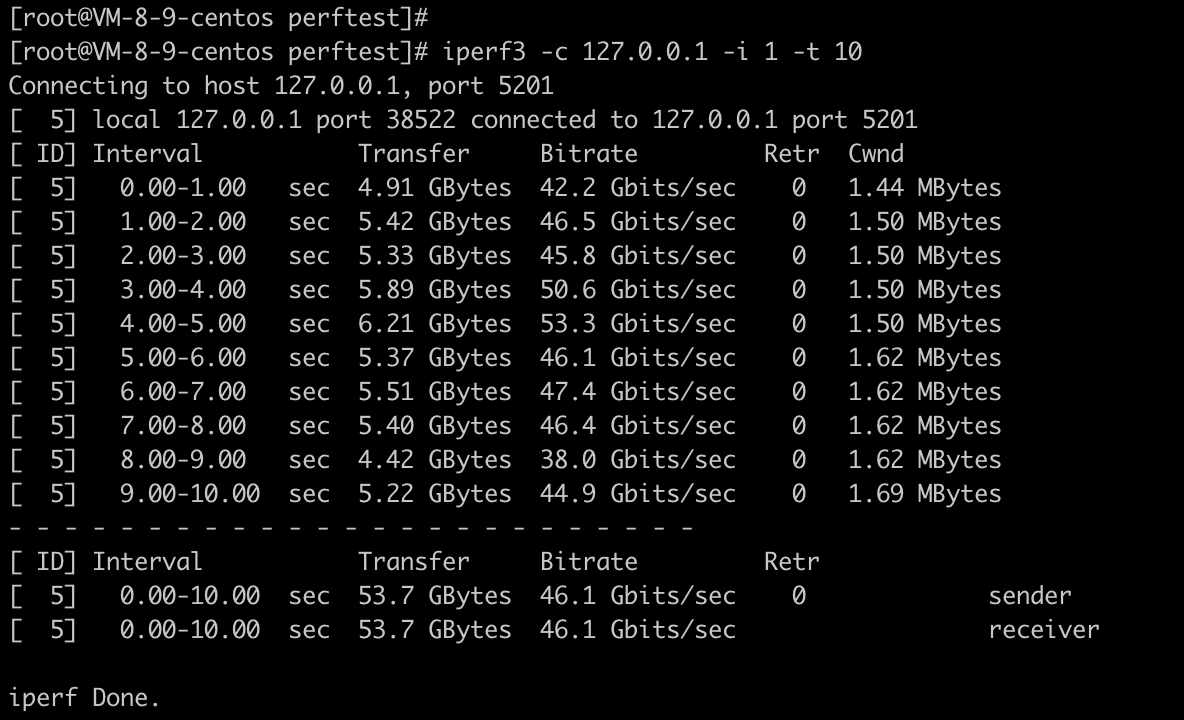
在云服务器上启动iperf3的client端:
iperf3 -c 127.0.0.1 -i 1 -t 10
1
不同组合下的结果如下:
| server | client | bandwidth |
|---|---|---|
| iperf -s | iperf3 -O 4 -c 127.0.0.1 -i 2 -t 20 -w 4K -P 4 | 3.96 Gb/s |
| iperf -s | iperf3 -O 4 -c 127.0.0.1 -i 2 -t 20 -w 4K -P 8 | 4.12 Gb/s |
| iperf -s | iperf3 -O 4 -c 127.0.0.1 -i 2 -t 20 -w 4K -P 16 | 4.27 Gb/s |
| iperf -s | iperf3 -O 4 -c 127.0.0.1 -i 2 -t 20 -w 32K -P 2 | 23.3 Gb/s |
| iperf -s | iperf3 -O 4 -c 127.0.0.1 -i 2 -t 20 -w 32K -P 4 | 25.0 Gb/s |
| iperf -s | iperf3 -O 4 -c 127.0.0.1 -i 2 -t 20 -w 32K -P 8 | 26.1 Gb/s |
| iperf -s | iperf3 -O 4 -c 127.0.0.1 -i 2 -t 20 -w 64K -P 1 | 31.7 Gb/s |
| iperf -s | iperf3 -O 4 -c 127.0.0.1 -i 2 -t 20 -w 64K -P 2 | 31.7 Gb/s |
| iperf -s | iperf3 -O 4 -c 127.0.0.1 -i 2 -t 20 -w 64K -P 4 | 31.0 Gb/s |
| iperf -s | iperf3 -O 4 -c 127.0.0.1 -i 2 -t 20 -w 64K -P 8 | 30.4 Gb/s |
| iperf -s | iperf3 -O 4 -c 127.0.0.1 -i 2 -t 20 -w 128K -P 2 | 40.5 Gb/s |
| iperf -s | iperf3 -O 4 -c 127.0.0.1 -i 2 -t 20 -w 128K -P 4 | 38.9 Gb/s |
| iperf -s | iperf3 -O 4 -c 127.0.0.1 -i 2 -t 20 -w 128K -P 8 | 38.3 Gb/s |
| iperf -s | iperf3 -O 4 -c 127.0.0.1 -i 2 -t 20 -w 256K -P 2 | 46.3 Gb/s |
| iperf -s | iperf3 -O 4 -c 127.0.0.1 -i 2 -t 20 -w 256K -P 4 | 44.8 Gb/s |
| iperf -s | iperf3 -O 4 -c 127.0.0.1 -i 2 -t 20 -w 256K -P 8 | 42.7 Gb/s |
| iperf -s | iperf3 -O 4 -c 127.0.0.1 -i 2 -t 20 -w 256K -P 16 | 41.9 Gb/s |
基于本文使用的4核GB云服务器环境的结果数据,可以看到: 随着客户端的buffer size、并发数递增,测得的带宽结果呈现递增趋势。但到一定程度就不会增长了,软件的能力受限于硬件(网卡带宽、CPU核数&性能等因素)。
# 5 参考资料
- iPerf
https://iperf.fr/
https://github.com/esnet/iperf
- iPerf3 usage
https://fasterdata.es.net/performance-testing/network-troubleshooting-tools/iperf/
← 收藏